
Pixel pitch tells you how closely the pixels in a direct-view LED screen are spaced. A smaller number can support sharper detail at a shorter viewing distance, but it also increases pixel density and usually cost. Choosing between P1.25, P2, P2.5 and P3 therefore starts with the audience, screen size and content—not with the smallest pitch available.
1. What P1.25, P2, P2.5 and P3 mean
The “P” number is the centre-to-centre distance between neighbouring LED pixels, measured in millimetres. P1.25 means 1.25 mm; P2 means 2 mm; P2.5 means 2.5 mm; and P3 means 3 mm. Samsung’s pixel-pitch explanation describes the same relationship between pitch, pixel density and close-range image quality.
For the same physical screen area, a smaller pitch fits more pixels. That can make small text, detailed graphics and close-up viewing look smoother. It also means more LED packages and associated electronics, so the display may cost more and require different power, processing, heat and maintenance planning. Fine pitch is valuable when the audience can see the difference; it is not automatically the best value for a distant audience.
2. Use viewing distance as a planning input, not a guarantee
Official manufacturer rules of thumb differ. Samsung commonly uses roughly 8 feet (2.44 metres) of viewing distance for every millimetre of pitch, while Barco’s direct-view LED ergonomics guide uses pitch multiplied by about 2 metres for an optimal viewing-distance estimate. Together they provide a conservative comparison range:
| Pixel pitch | Manufacturer-rule planning range | Typical reason to shortlist |
|---|---|---|
| P1.25 | About 2.5–3.0 m | Very close indoor viewing, detailed text or high pixel density in a compact wall |
| P2 | About 4.0–4.9 m | Indoor presentation, retail or event content viewed from several metres away |
| P2.5 | About 5.0–6.1 m | Balanced indoor detail, screen size and budget for a more distant audience |
| P3 | About 6.0–7.3 m | Larger indoor walls or stages where the audience remains farther back |
These are comparison guides, not hard minimums. Visual acuity, content, brightness, contrast, screen size and acceptable pixel visibility all change the result. A person may stand closer than the range and still accept the image, while small text can demand more density. Mark the nearest normal viewer, the closest occasional viewer and the main seating zone on a floor plan, then assess representative content on the proposed display if possible.
3. Calculate resolution from screen size and pitch
Direct-view LED resolution is produced by the physical wall. As a starting calculation:
- horizontal pixels ≈ screen width in millimetres ÷ pixel pitch in millimetres;
- vertical pixels ≈ screen height in millimetres ÷ pixel pitch in millimetres.
For a nominal 4,000 × 2,250 mm, 16:9 screen, the mathematical comparisons are approximately:
| Pitch | Approximate pixels at 4,000 × 2,250 mm | Pixel count |
|---|---|---|
| P1.25 | 3,200 × 1,800 | 5.76 million |
| P2 | 2,000 × 1,125 | 2.25 million |
| P2.5 | 1,600 × 900 | 1.44 million |
| P3 | About 1,333 × 750 | About 1.00 million |
The final cabinet/module grid may not produce those exact physical dimensions or pixel counts. Quotation design must use the chosen product’s module resolution and cabinet size. If a fixed Full HD or 4K canvas is required, the physical wall dimensions may need to change. Samsung’s LED resolution guide explains why screen dimensions and pitch determine total resolution.
4. How P1.25, P2, P2.5 and P3 compare in practice
P1.25: compact, close-view detail
P1.25 can suit boardrooms, control rooms, premium retail and other indoor locations where viewers approach the screen or content contains fine text and graphics. The project should also consider cabinet flatness, service access, processing, heat and protection of the finer LED surface.
P2: fine pitch with more viewing distance
P2 can provide strong indoor detail when viewers remain several metres away. It may be a useful step between near-field P1.x walls and larger-pitch event screens. Compare the final resolution at the proposed dimensions rather than assuming “P2” alone defines picture quality.
P2.5: a balance for many indoor applications
P2.5 can suit presentation areas, retail, houses of worship and event backdrops where the main audience is farther from the screen. It may reduce cost relative to a finer pitch at the same size, but small text and the nearest viewing position still need testing.
P3: larger walls and more distant audiences
P3 can be effective for stage backdrops and larger indoor spaces where viewers do not stand close. At the same physical dimensions it provides fewer pixels than P1.25, P2 or P2.5, so content should use appropriate font sizes, line weights and image detail.
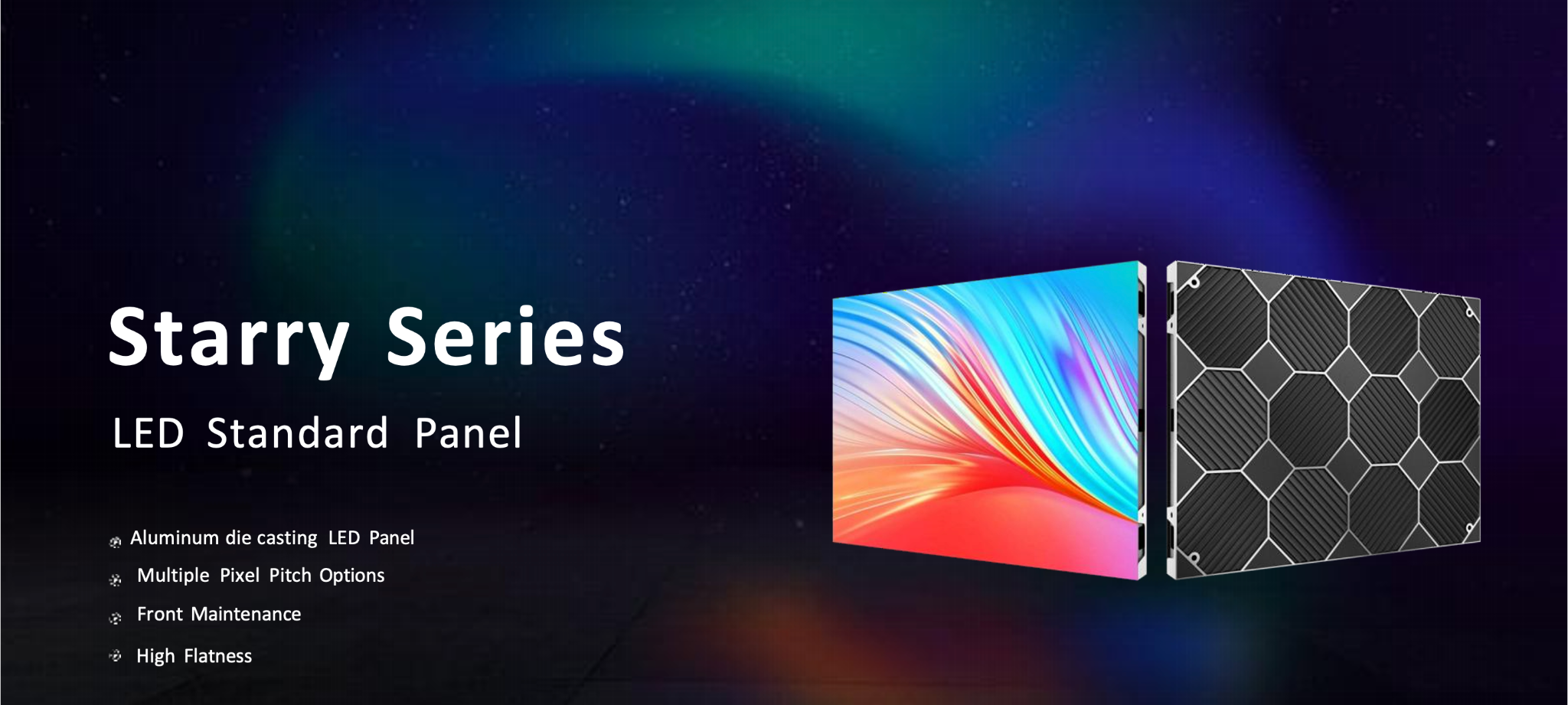
CentroPro’s Starry Series indoor LED panel lists P1.25 through P4.0 options and compatible cabinet formats. The X3 indoor fine-pitch display is another catalogue starting point. Confirm exact pitch, module/cabinet resolution, brightness, protection and availability for the selected configuration.
5. Choose indoor or outdoor hardware before refining pitch
Indoor and outdoor displays are not interchangeable. Outdoor systems typically need verified environmental protection, higher brightness for daylight, suitable temperature management and a structure designed for wind and weather loads. Indoor systems may prioritise fine pitch, lower-brightness performance, quiet operation and close viewing. Samsung’s indoor-versus-outdoor LED guide explains why environment and viewing distance change the product class.
Do not choose brightness by the largest number alone. Too little output can make content unreadable in ambient light, while excessive indoor brightness can be uncomfortable and weaken perceived black levels. Record direct sun, window light, operating hours and whether automatic/manual brightness control is needed.
For outdoor requirements, compare catalogue options such as the 960mm Series outdoor LED display, but verify the selected pitch, brightness, protection rating, cabinet access and structural/electrical design. One stored protection claim for that listing conflicts, so the article does not select an unsupported rating.
6. Match pitch to content, aspect ratio and cameras
Start with the content canvas. Presentation slides, spreadsheets, menus and dashboards use fine lines and text; stage video and branded motion graphics can tolerate different density when viewed farther away. Test the smallest required text at the nearest normal viewing position.
Define the aspect ratio and final active dimensions together. A nominal 16:9 wall is easier to feed with standard content, but cabinet dimensions may create a slightly different ratio. Decide whether the processor will scale, crop or letterbox sources. Provide the content team with the wall’s native pixel dimensions.
For cameras, confirm refresh rate, scan behaviour, shutter compatibility, colour processing and expected frame rates with the exact configuration. “High refresh” in a brochure does not guarantee flicker-free results under every camera setting. Perform a camera test before a critical broadcast or recording.
7. Plan the complete LED display system
The visible cabinets are only part of the project. Include sending/receiving hardware, video processing, source switching, control/networking, power distribution, structure, ventilation, cable routes, calibration and maintenance access. Decide whether service is from the front, rear or both, and preserve the clearance required by the exact product.
Plan redundancy according to the consequence of failure. A presentation screen, command display and live event backdrop may need different approaches to spare modules, power, signal and source backup. Record maximum and typical power consumption and have the electrical/structural design checked by qualified parties.
Alternative formats may suit the brief better than a conventional wall. CentroPro’s Tri-Fold LED Poster Display lists P1.25, P1.53, P1.86 and P2.5 options for a compact movable format, while a transparent LED display prioritises visibility through the surface. These formats have different transparency, size, mounting and resolution trade-offs.
8. Build a useful LED-display quotation brief
Include:
- indoor/outdoor location, ambient light and operating hours;
- available width, height, depth and preferred aspect ratio;
- nearest, typical and farthest viewing distances;
- sample content, smallest text and required source resolution;
- fixed, wall-mounted, suspended, ground-supported or portable use;
- front/rear maintenance access and structural constraints;
- camera/recording requirements, refresh expectations and control sources;
- power, network, redundancy, spare-module and service requirements;
- target budget and project schedule.
Compare pitch as part of the complete system
Browse CentroPro’s LED Display catalogue, then send your dimensions, viewing distances and content brief to CentroPro to request a configured quotation and current commercial terms.